Remote work is no longer just a trend — it’s a standard way of working for millions across the globe. While it offers flexibility and freedom, it also comes with unique challenges: staying focused, keeping communication clear, and managing projects without the traditional office environment. The right tools can make the difference between feeling overwhelmed and thriving in a remote setup.
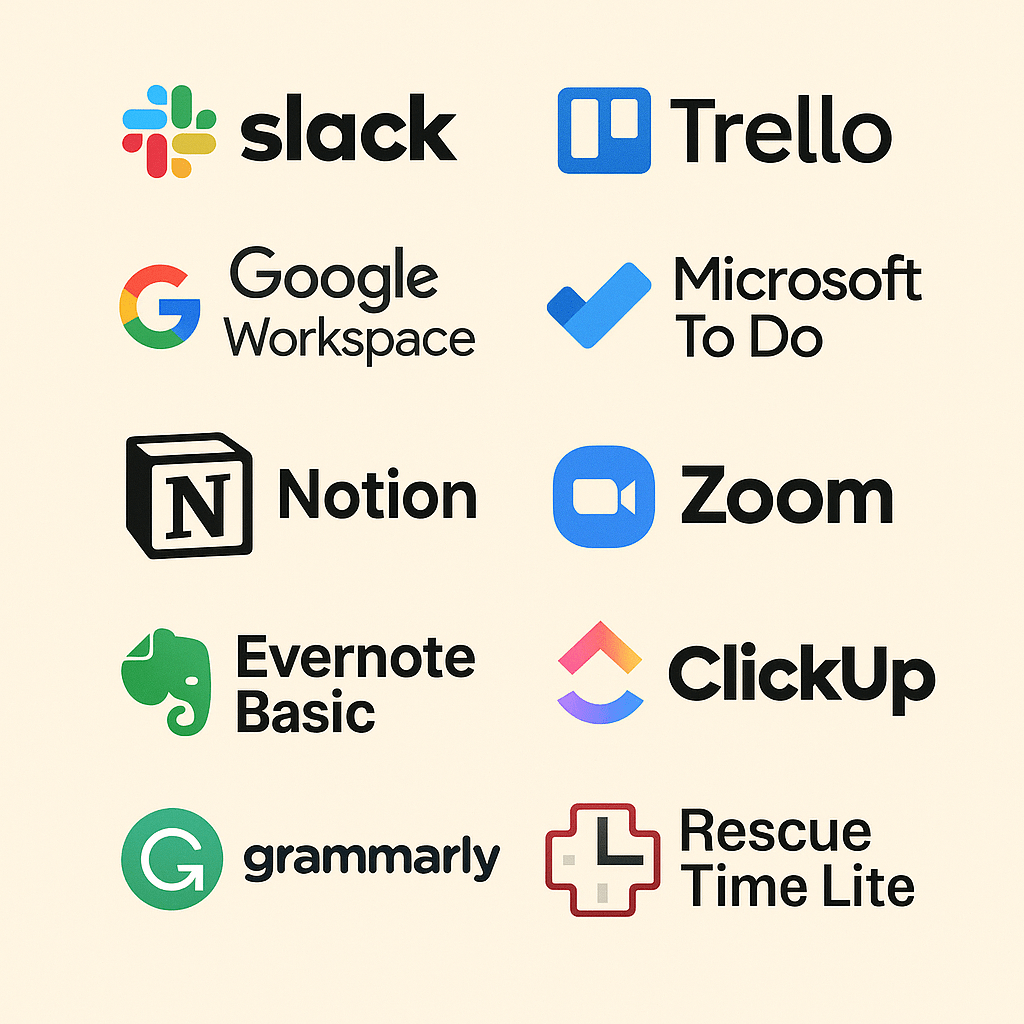
To help you succeed, we’ve curated the 10 best free productivity apps for remote workers in 2025. These platforms have been chosen not only for their popularity but also for their proven ability to boost efficiency, collaboration, and focus — all without costing a dime.
1. Slack – Seamless Team Communication
Slack has become the backbone of remote collaboration for thousands of teams worldwide. Its intuitive, channel-based approach to communication allows businesses to organize conversations by topic, project, or department, eliminating messy email threads and ensuring that discussions stay focused and easy to track.
Why it stands out:
- Structured communication: Channels bring order to teamwork, whether for company-wide announcements, team-specific discussions, or temporary project collaborations.
- Extensive integrations: With over 2,000 integrations, including productivity staples like Google Drive, Trello, Asana, and Zoom, Slack becomes a central hub where work happens. Instead of switching between apps, teams can share files, schedule meetings, and update project boards directly within Slack.
- Free plan benefits: Unlike many competitors, Slack’s free tier supports unlimited users, making it perfect for startups and growing teams. The 90-day searchable message history ensures teams can easily reference past decisions and conversations.
- Flexibility across time zones: With powerful search, bookmarking, and notification features, team members in different parts of the world can stay aligned without needing to be online at the same time.
- Beyond messaging: Slack isn’t just for text. Audio huddles, video clips, and workflow automation features allow teams to collaborate in the format that best fits their workflow.
For distributed teams, Slack functions as a virtual office — efficient, collaborative, and always connected. It fosters transparency, reduces reliance on email, and creates a space where both work discussions and culture-building conversations can thrive.
Use Case: A fully remote marketing team uses Slack channels like #campaigns, #content, and #analytics to keep discussions organized and instantly share files. Instead of long email threads, feedback happens in real-time.

2. Trello – Visual Project Management
Trello is one of the most popular tools for organizing projects, thanks to its signature Kanban-style boards. With a simple drag-and-drop interface, Trello makes it easy to visualize tasks, assign responsibilities, and track progress.
Why it stands out:
- User-friendly boards: Each project is broken down into boards, lists, and cards that provide clarity without overwhelming detail.
- Collaboration made easy: Assign team members, set due dates, and leave comments on cards to keep everyone aligned.
- Integrations and power-ups: Connect Trello with tools like Slack, Google Workspace, and Jira to streamline workflows.
- Flexible use cases: From managing marketing campaigns to personal to-do lists, Trello adapts to teams of all sizes.
For teams that value simplicity and visual organization, Trello offers an accessible, free way to get projects moving.
Use Case: A small startup uses Trello to manage their product launch. One board has lists for “To Do,” “In Progress,” and “Completed,” making it easy for founders and interns alike to stay aligned.

3. Google Workspace (Free Tier) – All-in-One Collaboration
Google Workspace has transformed remote collaboration by providing teams with everything they need in a single cloud-based ecosystem. From Gmail to Google Docs, Sheets, and Meet, it keeps communication and productivity tightly integrated.
Why it stands out:
- Real-time collaboration: Multiple team members can co-edit documents, spreadsheets, and presentations simultaneously.
- Seamless communication: Gmail, Chat, and Google Meet ensure communication happens without friction.
- Cloud-first approach: Files are always accessible and automatically saved, reducing risks of data loss.
- Scalable for businesses: From free plans for individuals to enterprise-level security and admin controls, Google Workspace grows with your team.
For teams already immersed in Google’s ecosystem, this is the most seamless productivity solution available.
Use Case: A remote HR team prepares onboarding documents in Google Docs while discussing updates in Chat and hosting a welcome call in Meet — all without leaving Workspace.

4. Microsoft To Do – Personal Productivity Simplified
Microsoft To Do is a lightweight yet powerful task management app that integrates seamlessly with the Microsoft ecosystem. Its clean design makes it easy for individuals and teams to stay focused on priorities.
Why it stands out:
- Task syncing across devices: Access your tasks on desktop, web, or mobile with automatic syncing.
- Smart lists: Features like “My Day” help users focus on what matters most each day.
- Deep Microsoft integration: Perfect for Outlook users, as tasks can flow directly from emails.
- Free and accessible: Offers core productivity features at no cost, making it ideal for individuals or small teams.
For those already using Microsoft 365, To Do feels like a natural extension of daily workflow.
Use Case: A project manager receives tasks via Outlook emails and sends them directly into Microsoft To Do, where they’re organized into daily checklists.
5. Notion – Customizable All-in-One Workspace
Notion empowers remote workers to build their own productivity system. Notion has gained rapid popularity for being a flexible, customizable platform that can act as a note-taking app, project manager, knowledge base, and more.
Why it stands out:
- All-in-one flexibility: Replace multiple apps with one tool for notes, tasks, databases, and wikis.
- Highly customizable: Build dashboards, workflows, and project boards to fit unique team needs.
- Collaboration-first: Teams can co-edit pages, leave comments, and create shared workspaces.
- Growing ecosystem: With templates and integrations, Notion adapts to almost any workflow.
For remote teams looking for both organization and creativity, Notion provides unmatched versatility.
Use Case: A software team documents all coding guidelines in a Notion wiki while also tracking sprint tasks and deadlines in the same workspace.

6. Zoom (Free Plan) – Reliable Video Conferencing
Zoom became the go-to tool for video conferencing, powering everything from business meetings to webinars. Its reliability and ease of use keep it ahead in the crowded video chat market.
Why it stands out:
- Crystal-clear video and audio: Known for stable connections even with large groups.
- Breakout rooms: Great for workshops, team-building, and collaborative learning.
- Scalability: Handles 1:1 chats, small team meetings, or webinars with hundreds of attendees.
- Cross-platform: Works seamlessly on desktop, web, and mobile devices.
Zoom continues to be the gold standard for professional video communication.
Use Case: A consulting firm holds weekly client check-ins via Zoom. Breakout rooms allow smaller teams to workshop ideas before returning to the main call.
7. Evernote Basic – Smart Note Management
Evernote Basic remains a trusted note-taking and information management tool for individuals who want their ideas organized and accessible everywhere.
Why it stands out:
- Cross-platform access: Sync notes across devices effortlessly.
- Capture everything: Save text, images, web clippings, and even handwritten notes.
- Searchable archives: Easily find notes by keyword, tags, or content inside images.
- Task features: Create to-do lists and reminders directly inside your notes.
For individuals juggling projects, Evernote provides a central hub for thoughts and tasks.
Use Case: A content creator clips research articles into Evernote, tags them, and later compiles the notes into a blog draft — all in one app.

8. ClickUp (Free Plan) – All-in-One Productivity Platform
ClickUp is a powerful platform that combines the best of Trello, Asana, and ClickUp positions itself as the “everything app” for productivity, combining task management, docs, chat, and goal-setting in a single platform.
Why it stands out:
- Feature-rich platform: Manage tasks, projects, docs, and even time tracking in one tool.
- Custom views: Switch between list, board, calendar, or Gantt chart views depending on your workflow.
- Automation and integrations: Connects with Slack, Google Drive, Zoom, and more for streamlined productivity.
- Free plan generosity: Offers more features than most competitors without requiring paid upgrades.
For teams seeking an all-in-one alternative to juggling multiple apps, ClickUp stands out as a game-changer.
Use Case: A growing startup uses ClickUp to manage client projects. The CEO prefers the “List View,” while developers use Kanban boards, and HR uses Calendar view — all within the same app.

9. Grammarly (Free Version) – Smarter Writing Assistant
Grammarly is a writing assistant that helps ensure professional, polished communication across emails, documents, and chat apps.
Why it stands out:
- Advanced grammar and spell check: Goes beyond basic corrections to suggest clarity and tone improvements.
- AI-powered writing style feedback: Tailors recommendations for business, academic, or casual writing.
- Cross-platform availability: Works inside browsers, Microsoft Word, Slack, and other apps.
- Free plan strengths: Provides strong writing feedback without requiring paid features.
For professionals working remotely, Grammarly is a must-have tool for clear, effective communication.
Use Case: A remote sales team uses Grammarly to polish proposals, making sure their tone is confident and free of errors before sending to clients.

10. RescueTime Lite – Productivity & Focus Tracker
RescueTime helps remote workers take control of their time by monitoring RescueTime Lite helps individuals take control of their productivity by tracking how they spend their time across apps and websites.
Why it stands out:
- Automatic time tracking: Runs in the background without manual input.
- Detailed reports: Breaks down time spent on work, communication, and distractions.
- Goal setting: Helps users stay on track by setting productivity goals.
- Work-life balance: Encourages better focus and healthier habits for remote workers.
For remote professionals, RescueTime Lite acts as a personal productivity coach, showing where time goes and how to improve.
Use Case: A freelancer uses RescueTime to discover they spend 2+ hours daily on social media. With alerts, they set boundaries and reclaim productive hours.
Final Thoughts
Remote work is here to stay, and while it offers flexibility and freedom, thriving in this environment requires more than just a laptop and Wi-Fi. It demands discipline, focus, and above all, the right set of tools to keep everything running smoothly. The 10 free productivity apps highlighted above provide a powerful foundation to help you stay connected, organized, and efficient in 2025.
The beauty of these apps lies in how they complement each other. By combining a few strategically, you can create a personalized productivity “stack” that matches the way you work. For example:
- Slack can serve as your team’s central hub for communication, reducing email clutter.
- Notion can act as your all-in-one space for planning projects, storing knowledge, and tracking goals.
- RescueTime can quietly keep you accountable, making sure your time is aligned with your priorities.
This tailored approach allows you to minimize distractions, streamline collaboration, and achieve a balance between productivity and well-being. Whether you’re a freelancer managing multiple clients, a startup team scaling quickly, or a corporate professional navigating hybrid work, the right combination of these tools can give you a serious edge.
Remember: productivity isn’t about cramming more tasks into your day — it’s about working smarter, staying intentional, and making room for meaningful progress. With the right toolkit, you don’t just survive remote work — you thrive in it.
Before you go — I’d love to hear from you:
- Which of these free apps have made the biggest difference in your workflow?
- Do you prefer building a full productivity “stack,” or do you stick to one or two tools you can’t live without?
- Are there any underrated apps you think deserve to be on this list?
Drop your thoughts in the comments below — your experiences might just inspire someone else’s perfect productivity setup!

 ToolSyra
Leave a comment